


SigmaNEST software offers CAD integration that allows for the direct import of major 2D and 3D CAD files, as well as PDF vector and raster files, with the ability to fix errors during import and features recognition.
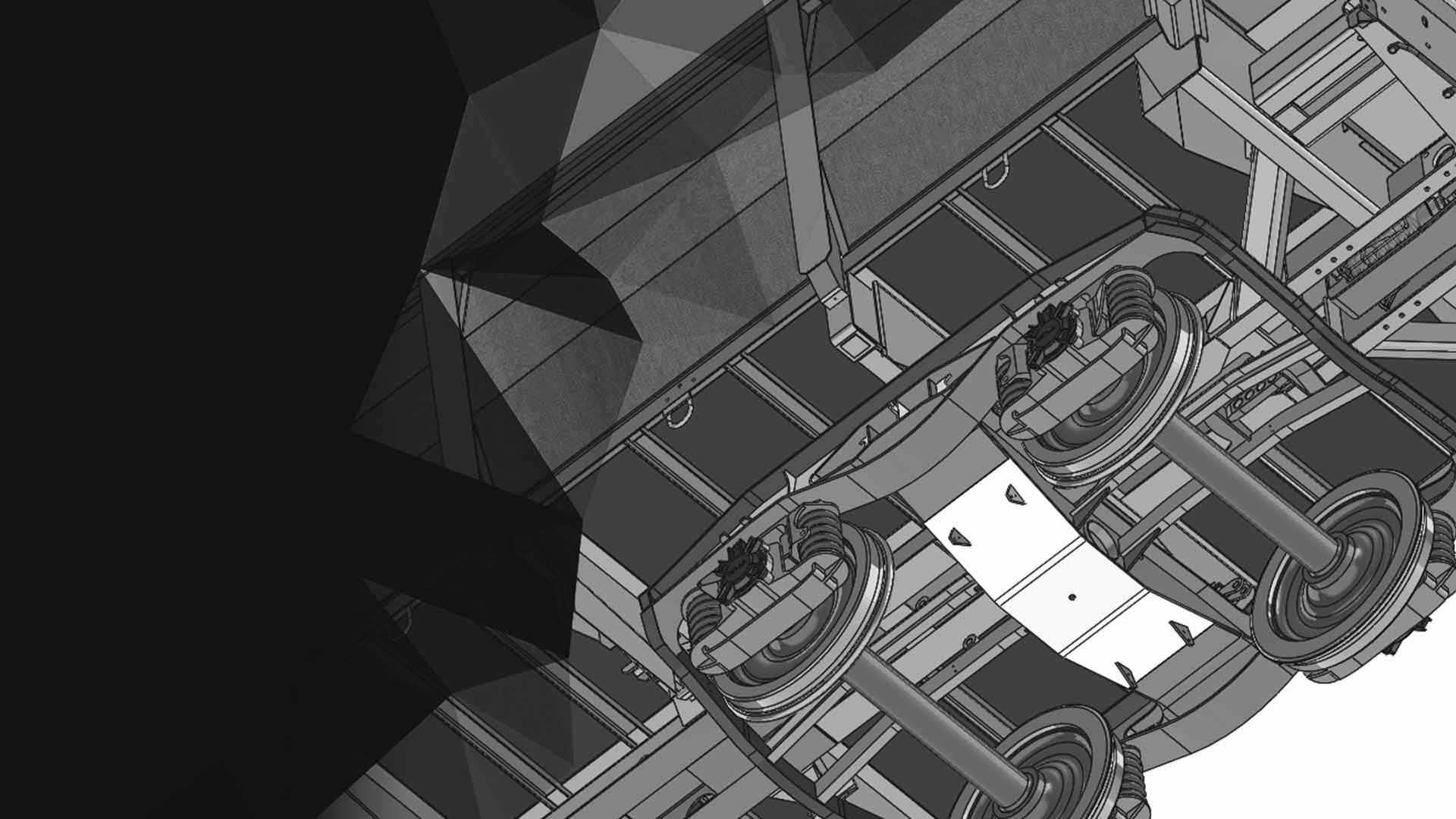
Import 2D parts or 3D assemblies and automatically calculate part cost and cutting time
Versatile CAD import for parts and assemblies
- SigmaNEST natively imports DXF, DWG, DSTV and STEP files. Our optional CAD Import Direct and Plus modules expand the range to include all major 3D CAD formats as well as PDF and image files.
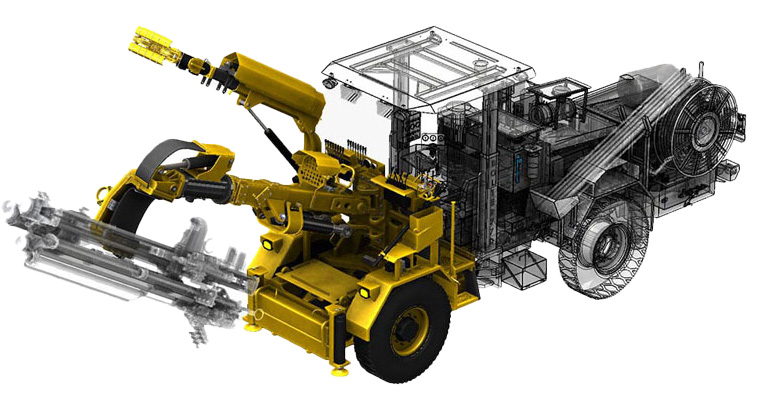
Powerful CAD filtering and property mapping
- Whether importing 2D or 3D files, SigmaNEST offers interactive mapping tools to choose which elements to import for part creation. From 2D mapping options for Layer/Color/Line Type to the robust property filtering for 3D, SigmaNEST CAD Import lets users define desktop settings for similar files without the need to reconfigure.
CAD Import designed for sheet metal
- Additional import options are available specifically for fabricating sheet metal such as bend line customization, drill and hole type recognition, and process mapping to ensure faster programming of parts after import.
CAD Import Direct
- SigmaNEST CAD Import Direct integrates with major 3D CAD packages, using their specific API to retrieve critical geometry and feature details to recreate part geometry in SigmaNEST. CAD Import Direct filters assemblies and multibody files according to CAD properties to determine which parts to import, and maps the CAD property data to SigmaNEST part data fields.
- CAD Import Direct creates a deeper connection between SigmaNEST and a specific CAD software through advanced filtering tools and flat pattern recognition for formed sheet metal parts. CAD Import Direct also stays up to date with the latest version of the CAD software.
- CAD Import Direct requires a local installation of the 3D CAD package and license availability and offers more advanced filtering and process mapping options.
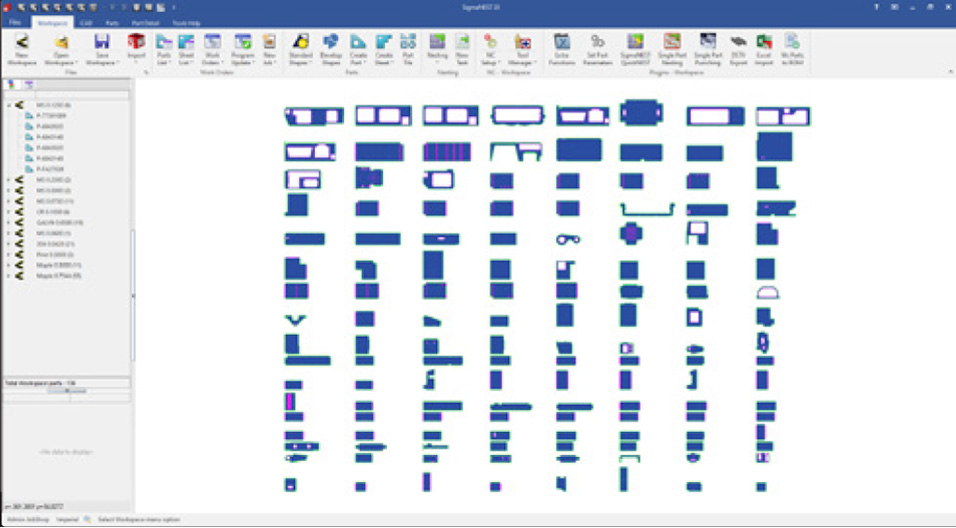
CAD Import Plus
- SigmaNEST CAD Import Plus uses advanced methodology to convert all major 3D CAD software files to a neutral file format suitable for import in SigmaNEST, all within a single module.
- CAD Import Plus includes SigmaUNFOLD technology to ensure sheet metal parts are unfolded properly.
- CAD Import Plus does not require local CAD installation or licensing, but may not support all of the same advanced features for a specific 3D CAD package as CAD Import Direct.
Modules Included
 = Included,
  = Additional module required,
  = Available in supporting CAD systems
Note*: CAD Import Direct requires local CAD Installation
| Base SigmaNEST | CAD Import Direct * | CAD Import Plus | |
|---|---|---|---|
| Supported CAD Formats | |||
| SOLIDWORKS | |
|
|
| Solid Edge | |
|
|
| Creo (Pro-E) | |
|
|
| Inventor | |
|
|
| NX | |
|
|
| CATIA (V5, V6) | |
||
| Rhino | |
||
| Parasolid | |
||
| ACIS | |
||
| SpaceClaim | |
||
| 3D DWG | |
||
| IGES | |
||
| STEP (Plate parts) | |
||
| STEP (Bent parts) | |
||
| DSTV | |
||
| Filters and Mapping | |||
| Assembly Name Filter | |
|
|
| Part Name Filter | |
|
|
| Cut List Filter | |
||
| Material Filter | |
|
|
| Thickness Filter | |
|
|
| Configuration Filter – Assemblies | |
||
| Configuration Filter – Parts | |
|
|
| Folder Filter | |
||
| BOM Filter | |
||
| Non-Sheet Metal Part Filter | |
|
|
| Custom Part Property Mapping | |
|
|
| Sketch to Process Mapping | |
||
| Feature Suppression | |
||
| Design for Manufacturing (DFM) Support | |||
| Extract CAD model flat pattern | |
||
| Custom Coordinate System | |
||
| Drilled Hole Recognition | |
|
|
| Combine Mirrored Parts | |
|
|
| Bend Line Detection | |
|
|
| Bevel Recognition | |
|
|
| Partial Depth Contours | |
|
|
| Farside Contour Detection | |
|
|
| Workflow Automation | |||
| BOM Creation | |
||